Adding a logo to your QR code increases trust and brand recognition. It makes your QR code look professional and encourages more scans.
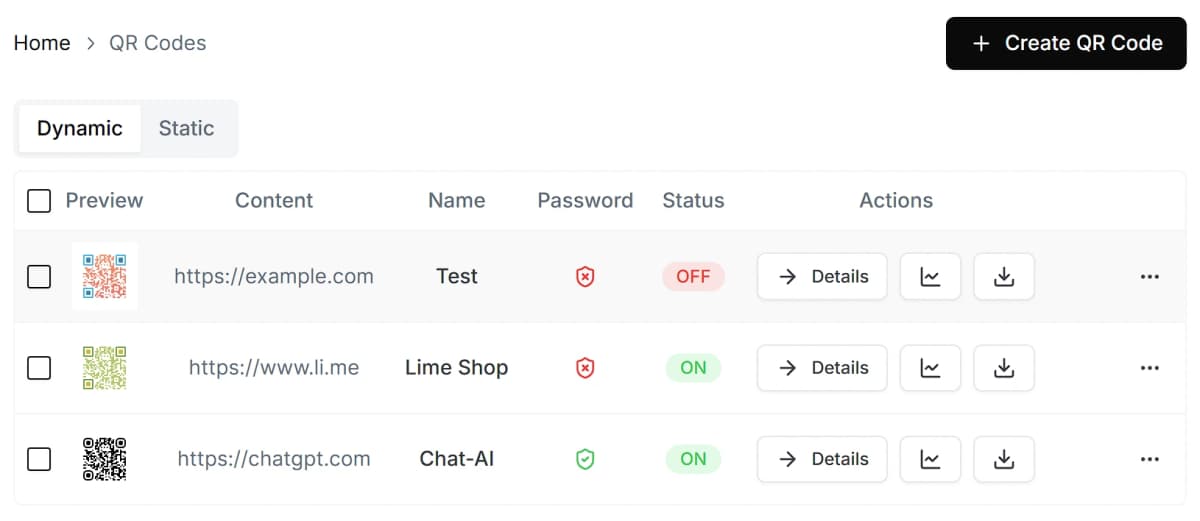
Monitor activity, collect scan statistics, activate or deactivate codes, set a password, and update QR codes remotely.
https://webqr.app
You must login to download Dynamic QR codes.
Insert your company logo into the center of your QR code. This builds trust and significantly increases scan rates.
Select the desired content type (e.g., URL).
Upload your logo. It will be automatically placed in the center.
Download your branded QR code.
WebQR is the most advanced QR code platform for businesses and individuals. Create, manage, and track your QR codes with ease.
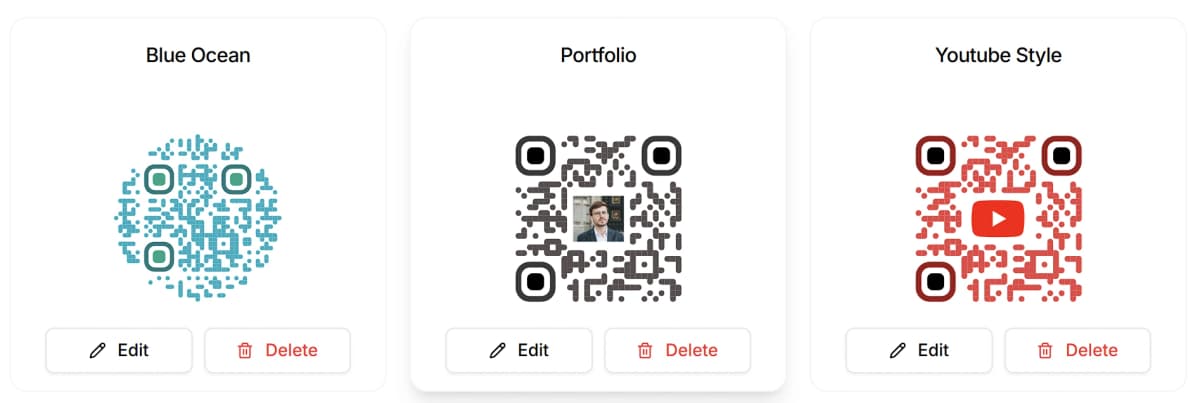
Customize every aspect of your QR code. Choose colors, shapes, patterns, and frames that perfectly match your brand.
Start DesigningAnalytics
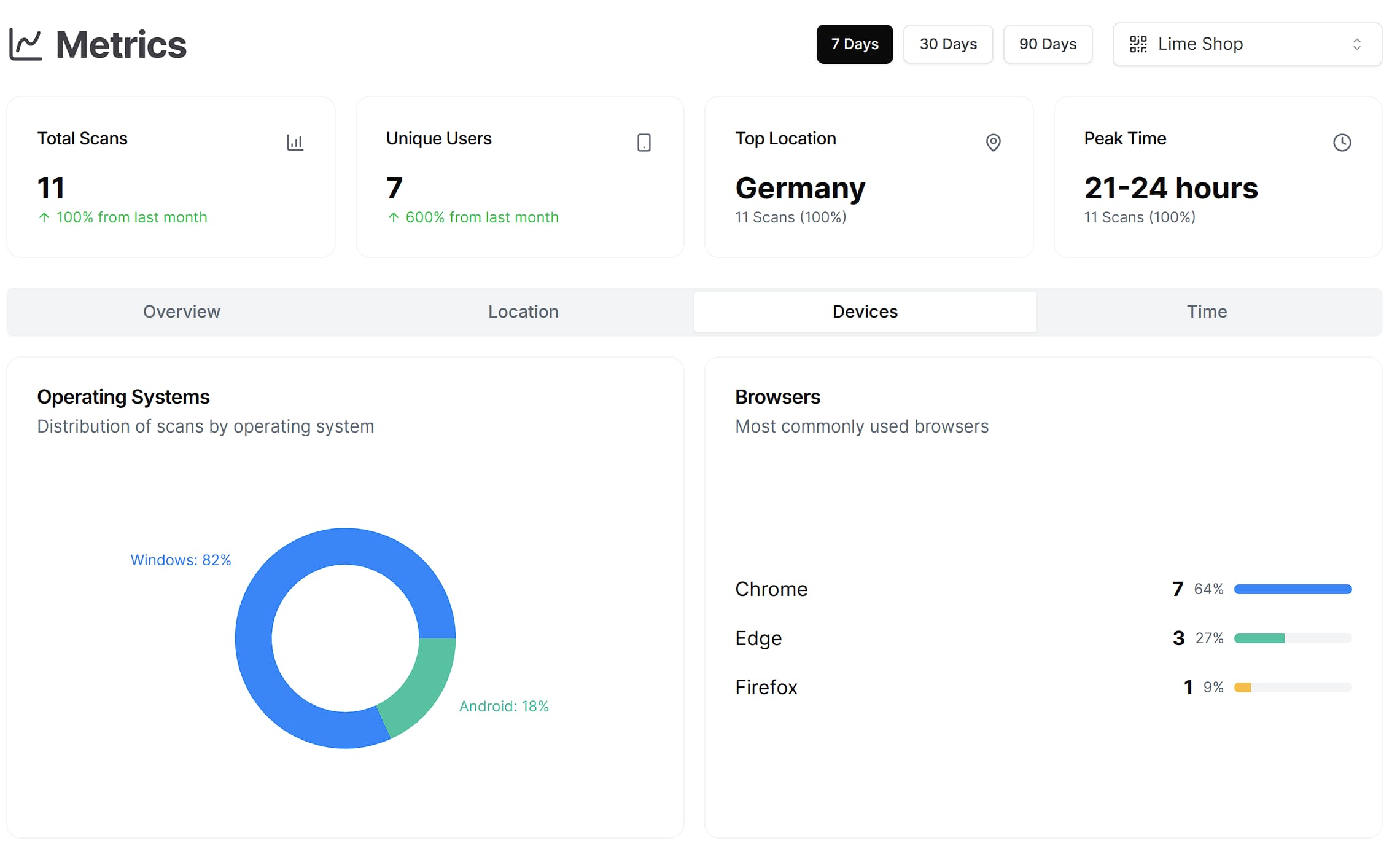
See every scan plotted over time, drill down by device or city, and share the data with stakeholders for free.
Timeline trends
Monitor spikes and lulls with hourly and daily charts.
Device & location filters
Compare mobile vs desktop scans and map top performing cities.